
Getting started
Install Process Templates for Jira from the Atlassian Marketplace, then configure your first reusable template in under five minutes.
Install Process Templates for Jira from the Atlassian Marketplace
The app is distributed exclusively through the Atlassian Marketplace and runs on Atlassian’s Forge platform. Installation takes about a minute end-to-end. No credit card is required to start a trial, and the app is free for the first ten users on your Jira instance.
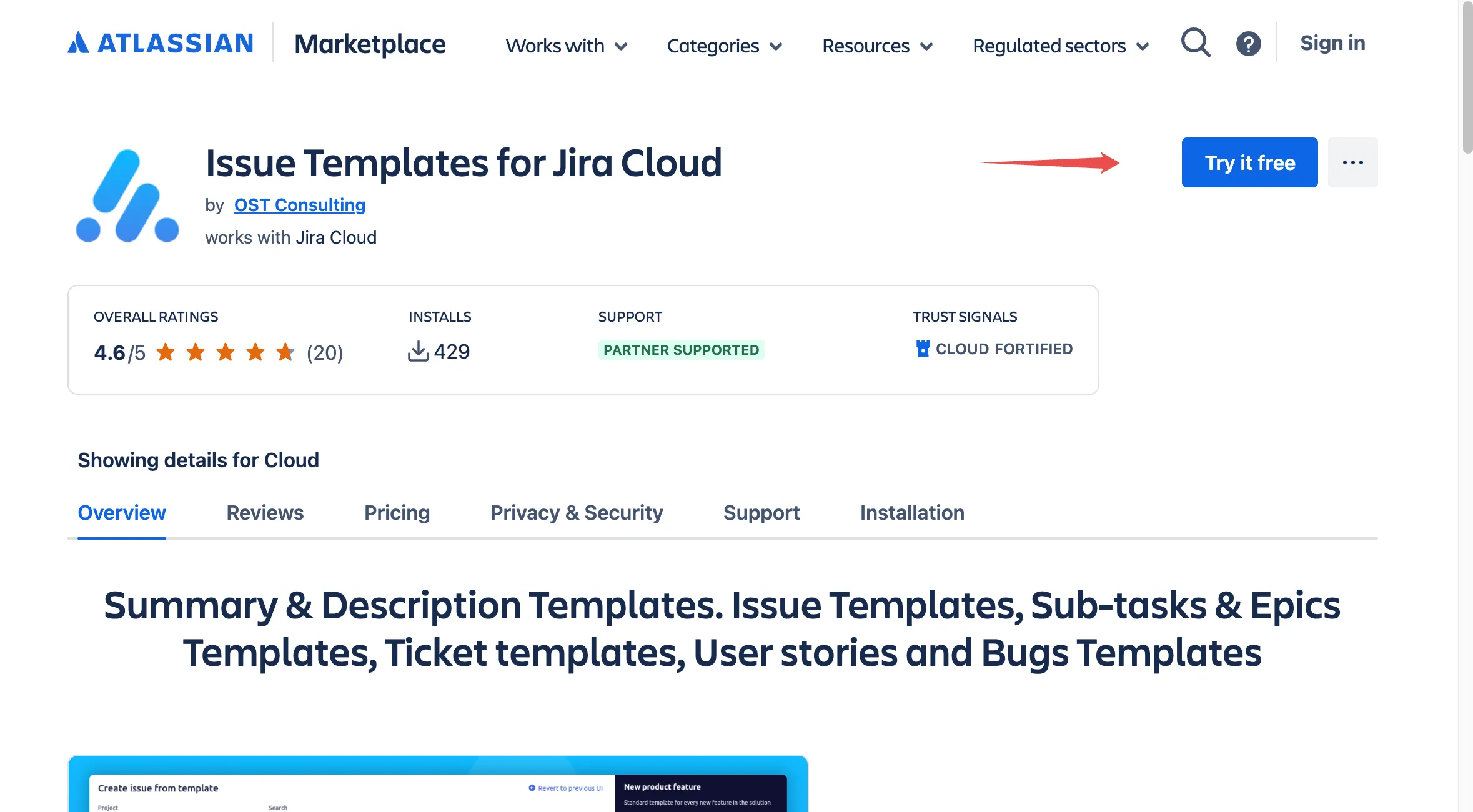 Installing Process Templates for Jira from the Atlassian Marketplace listing.
Open the Marketplace listing
Follow the install link from this site (every Install button on jira-templates.com points at the canonical Marketplace listing). The listing opens in a new tab.
Click Try it free
In the top-right corner of the Marketplace listing, click Try it free. If you are not already signed in to your Atlassian account, you will be prompted to sign in.
Choose your Jira Cloud site
After authentication, Atlassian shows the list of Jira Cloud sites where you have permission to install apps. Pick the site where you want Process Templates for Jira installed and click Install.
Review and accept permissions
Atlassian displays the Forge permission scopes the app requests. These are limited to what the app needs to read your Jira issues and create new ones from templates. Review them, then click Accept & install.
Wait for the install to complete
The install runs in the background and usually finishes within a few seconds. Atlassian shows a confirmation banner once the app is active in your site.
Confirm the app is available
Open any project in your newly-licensed Jira site. You should see a new Process Templates for Jira entry in the project sidebar, and the Apps menu inside any Jira issue should expose a Save as new template action.
If you do not see the app after the install completes, refresh your browser, then check that the Atlassian user you signed in with has at least project admin permission on the project you opened. App entries are only surfaced to users with sufficient permissions.
Where to go next
- Create your first template from any existing Jira issue.
- Define who can create and use templates with the permissions guide.
- Browse the free template library for ready-made Bug, Story, ITSM and HR templates.
If you get stuck during install, open a ticket on our support portal and we will reply within one business day.
Related guides
- Create issue templates step by step once the app is installed.
- Use templates to spin up new Jira issues from the saved library.
- Add variables to your templates so each generated issue can be customised.
- Manage, edit and organise your templates as your library grows.
Ready to template your Jira?
Install Process Templates for Jira on the Atlassian Marketplace. Free up to 10 users.